
Address Autocomplete API Setup: A Step-by-Step Guide
Studies show that 88% of online shoppers are less likely to return to a website after a bad experience. A crucial part of any ecommerce website is the customer checkout experience, as it directly impacts conversion rates and overall customer satisfaction. A significant point of friction in the checkout process is the address entry. It is often ignored, but it frustrates customers and leads to abandoned carts.
In fact, 18% of U.S. online shoppers have abandoned an order in the past quarter solely due to a “too long/complicated checkout process, which includes lengthy address forms and manual data entry. Typing an address manually can be a tedious process. And it also has a higher chance of spelling and formatting errors. As a result, there are shipping delays, undeliverable packages, and a poor customer experience.
Address autocomplete solves this by suggesting accurate addresses as customers type. This reduces errors, speeds up data entry, and ensures timely deliveries, improving the User Experience (UX) and reducing cart abandonment.
In this blog, we will provide a comprehensive overview of address autocomplete API setup. We will outline its key benefits, best practices, and tips needed to ensure a successful address API integration.
Key Takeaways
- A good address autocomplete API setup makes the checkout faster and more accurate. As a result, you can significantly reduce cart abandonment and increase conversion rates.
- The correct autocomplete address validation ensures addresses are verified, formatted, and mailable. It leads to fewer shipping errors and returned packages, improving overall data integrity.
- A successful address API integration reduces logistical challenges and lowers administrative overhead. So, it frees up resources for more critical business operations.
- You can configure address autocomplete in a straightforward, step-by-step process. This involves choosing an API provider, obtaining a key, and adding a few lines of code to your website.
- PostGrid provides full address validation, geocoding, and address standardization. It ensures that every address is correct and deliverable.
Why You Need Autocomplete Address Validation for Your Website or App
Adding autocomplete address validation to your website gives substantial benefits. These benefits affect the entire operation of your business, from UX to your ROI.
Improved Data Quality
Consider a scenario where a customer enters their shipping address manually on an ecommerce website. Due to a small typo, the address is incorrect, resulting in a delayed delivery and an unhappy customer. This is a common issue businesses face with manual address entry. Address autocomplete is a solution that can prevent such problems. It automatically suggests address options as customers type, using a verified, up-to-date database like USPS or other authoritative sources.
By leveraging this technology, businesses can ensure that every address entered is accurate and standardized, reducing errors and improving data quality. So you can ensure that every address is correctly formatted and mailable. You can prevent address errors at the point of entry with a proactive address API integration. This significantly reduces shipping errors and returned packages.
Increased Conversion Rates
A smooth, efficient checkout process is directly correlated with higher conversion rates. Businesses can improve the user journey and reduce cart abandonment by letting customers auto-fill their delivery addresses in no time and without manual effort. This simple change makes the process faster and easier for customers to make purchases and check out on your website. As a result, there is a higher likelihood that they will complete their transaction, boosting sales for your business.
Enhanced Operational Efficiency
Correct delivery addresses lead to fewer logistical challenges. As a result, businesses enjoy fewer shipping errors, fewer lost packages, and efficient operations. This small technological change creates a ripple effect. And that improves workflow efficiency and reduces administrative overhead.
How to Configure Address Autocomplete API
Address autocomplete API setup is a straightforward process that can be accomplished in a few key steps, including:
1. Choose an API Provider
The first step is to select an Address Autocomplete API provider that meets your specific business needs. Consider factors such as pricing, ease of use, and the quality of their documentation while evaluating. If your business handles a large number of transactions daily, you’ll want an API that can scale to meet those demands. Additionally, most providers offer free trials, allowing you to test the service before committing.
Note: PostGrid’s Address Autocomplete API can produce up to 100 results for each address input, giving faster and accurate suggestions for users to choose from.
2. Get an API Key
An API key is a unique identifier that authenticates your website with the API service. After signing up with a provider, you will receive this key. So, it is essential to keep this key secure, as it grants access to the API’s features.
3. Integrate the API Into Your Code
The integration is typically done by adding a small bit of code, often a <script> tag, into your website. This script builds the connection between your application and the API service. A few lines of JavaScript are then written to specify which input field will be used for the address autocomplete feature.
4. Connect the Input Field to the API
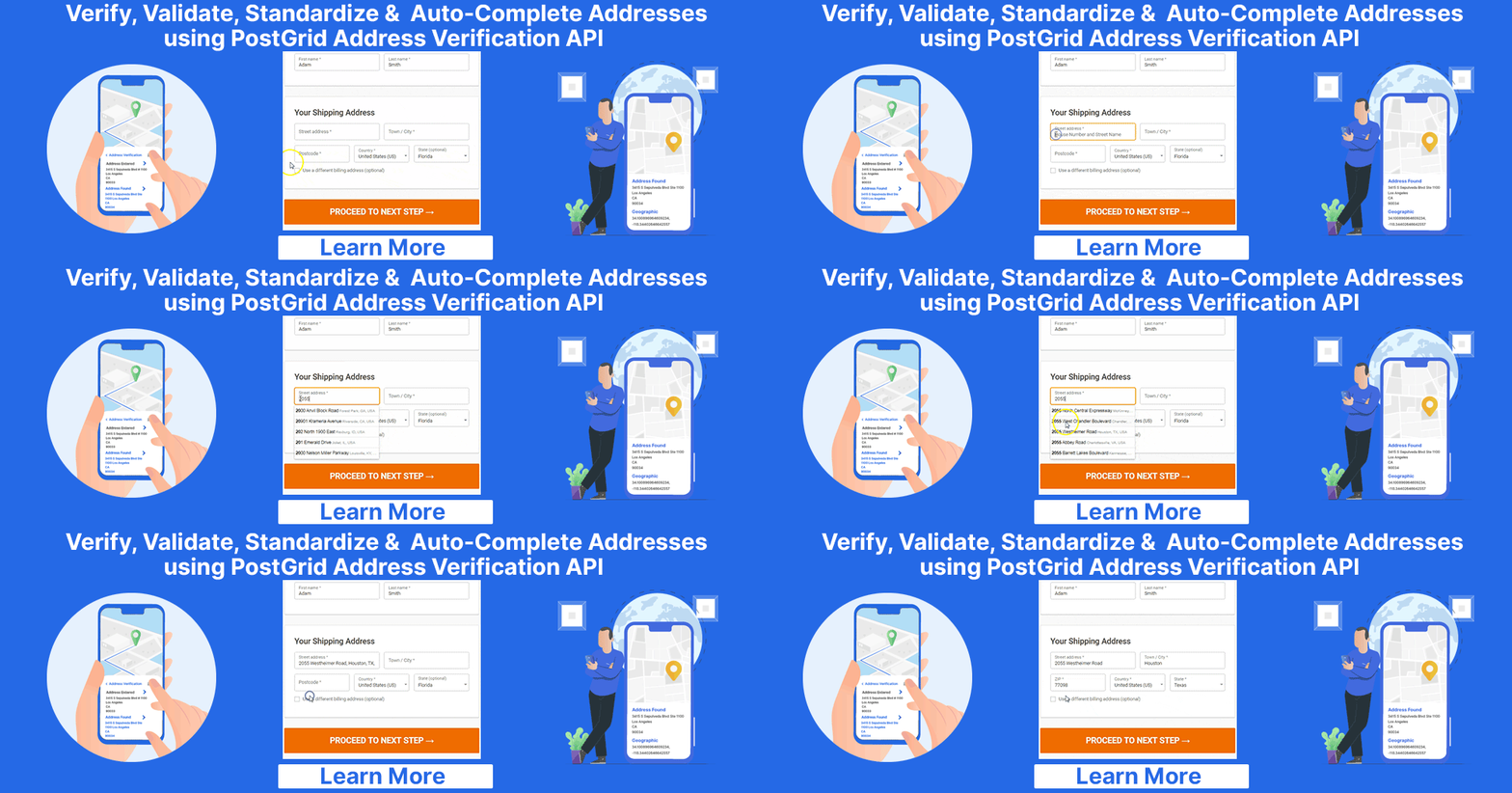
This is where the core functionality is enabled. As a user begins typing in the address field, your JavaScript code sends the partial address to the API. The API then quickly searches its database and returns a list of suggested, verified addresses. So these are displayed to the user in a dynamic dropdown menu.
This process eliminates the need for businesses to build and maintain their own extensive address database. As a result, they can leverage the expertise and data of their Address Autocomplete API provider.
Address API Integration: Best Practices and Tools
A good address autocomplete API setup will do more than just fill out forms. Following these best practices will help you create a better UX and improve performance.
Prioritize UX
Make sure the address list looks clean and is easy to use on all devices, including phones and computers. The design should allow for simple selection. The city, state, and ZIP code should fill in right away. Always let users type their address manually if the API cannot find a match.
Optimize Performance With Debouncing
To avoid too many API calls and to improve speed, use a method called “debouncing.” It means the system waits a moment after someone stops typing before it sends the request. This saves resources and makes the tool feel faster.
Ensure Data Consistency
The data from the API comes in a set format. It’s a good idea to save it that way in your database. Thus, it helps maintain consistent records and makes creating reports or printing shipping labels easy.
Troubleshooting Common Issues in Address Autocomplete API Setup
Even with a simple address autocomplete API setup, you might run into some problems. Knowing these common issues will help you fix them faster.
- Incorrect or Missing API Key: A common problem is an API key that is wrong or not set up for the right environment. Always double-check that the key is valid and in the correct place in your code.
- Cross-Origin Resource Sharing (CORS) Errors: Your website might not have permission to talk to the API. This is a security feature. You can fix it by adding your website’s address to a “whitelist” in your API provider’s settings.
- Styling Issues: If the address list doesn’t look right, you can fix it with custom Cascading Style Sheets (CSS). Just apply styles to the dropdown list to match your brand’s design.
- Functionality Errors: If you don’t see any suggestions, check your browser’s developer tools. Look at the console for errors or the network tab to see if the API is working. It is the best way to debug code problems.
Enhance Your UX With PostGrid’s Address Verification API
It’s essential to pick a solution that offers more than address autocomplete. A good address autocomplete API setup enhances UX and data quality. PostGrid’s Address Verification API provides address standardization, autocomplete, and validation altogether. It ensures every address is correct and deliverable. Also, it offers other high-tech features, like geocoding, Delivery Point Validation (DPV), and National Change of Address (NCOA) data processing..
With PostGrid, it is easy to configure address autocomplete, with clear API docs and support, which helps you get started quickly. Hence, you can make your website UX better, improve address data quality, and speed up your operations.
Ready to improve your address data for faster and more accurate mailings using address autocomplete? Contact us today for a free demo.